This project started with a deceptively simple prompt: “Design a mobile application for a microwave.”
At first glance, it sounded almost too straightforward. But my immediate reaction mirrored what many might think: “Why on earth would anyone need an app for a microwave?”
That question became the spark that guided my design journey. To answer it, I dug into research—not just about microwaves as appliances, but about how people actually use them (and sometimes struggle with them). My goal was to uncover the hidden pain points that could justify creating an app like SmartWave.
Current microwave interfaces are:
Overcrowded with buttons and difficult to read.
Lacking in personalization for different cooking styles.
Missing a unified experience for remote control and monitoring.
Poor at guiding beginners to optimal cooking settings.
Unable to adapt automatically to different foods.
With busy lifestyles, users want a faster, smarter, and more intuitive way to interact with their microwave.
GOALS
Design a minimal yet powerful mobile app for a smart microwave that is:
Intuitive for beginners, yet customizable for advanced users.
AI-assisted, removing the guesswork in cooking.
Seamlessly connected to the microwave for remote control and monitoring.
OBJECTIVES
Enable remote cooking control from anywhere.
Use AI to detect food type & suggest optimal settings.
Allow users to save “Favorite Recipes” for one-tap cooking.
Provide live cooking status and alerts.
Reduce interface complexity compared to traditional microwave panels.

To uncover the real problems behind microwave use, I ran both secondary research and user discovery. I looked at existing digital microwaves, read reviews, and asked people directly: “What frustrates you the most about microwaves?”
The answers were telling.
Some said their meals came out either lukewarm or scalding hot, with no middle ground.
Others admitted they were confused by all the different settings—defrost, grill, reheat—yet none seemed to guarantee the perfect result.
A few confessed that they just “guessed” cooking times, which often led to overcooked meals or wasted food.
And almost everyone agreed on one thing: it was annoying to stand beside the microwave just to check progress.
This discovery reframed my challenge. The problem wasn’t just about creating an app for a microwave. It was about designing a solution that could make microwaves smarter, safer, and more intuitive for people who want convenience without compromise.

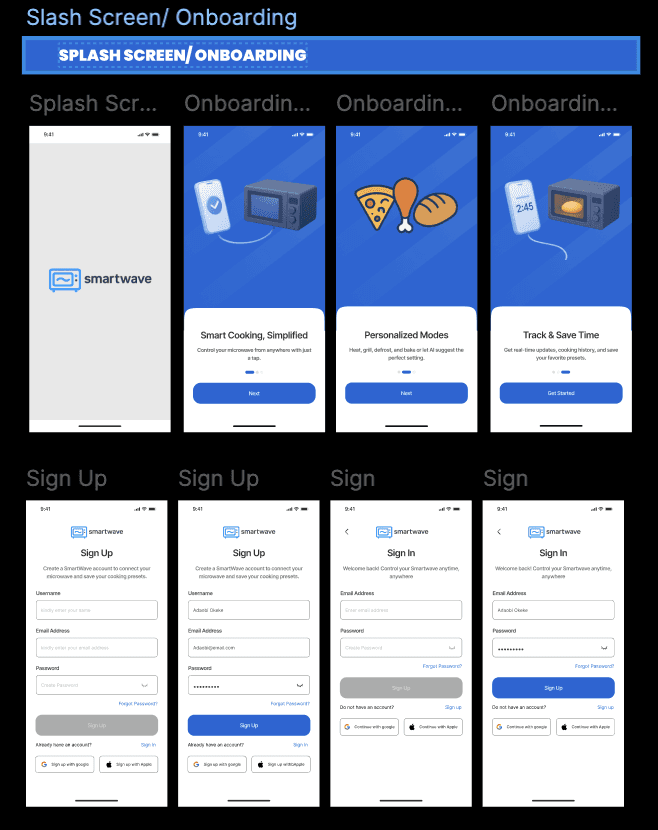
SmartWave is a concept mobile app designed to make microwave use smarter, safer, and more intuitive. Think of it as a companion to a fictional smart microwave—one that doesn’t just heat food, but helps users like Adaobi cook with confidence.
At its core, SmartWave brings clarity and control. Instead of fiddling with confusing buttons, Adaobi can manage everything from her phone: set the cooking mode, adjust the temperature, monitor progress, and even stop the microwave—all without hovering in front of it.
But SmartWave isn’t just about remote control. It introduces unique features that elevate the cooking experience:
AI-Powered Presets: Recommendations for common meals—whether grilling chicken, reheating rice, or defrosting fish—so Adaobi doesn’t have to guess the right settings.
Why SmartWave?
Usage Insights: A weekly breakdown showing how often the microwave is used, with alerts when it’s being overused, helping extend the device’s lifespan.
Energy Tracking: Visibility into electricity consumption, so Adaobi stays mindful of her bills.
Dual Functionality: SmartWave supports both microwave and grill modes, giving flexibility for quick snacks or more elaborate meals.
The result? A microwave experience that feels less mechanical and more personalized, seamless, and safe.
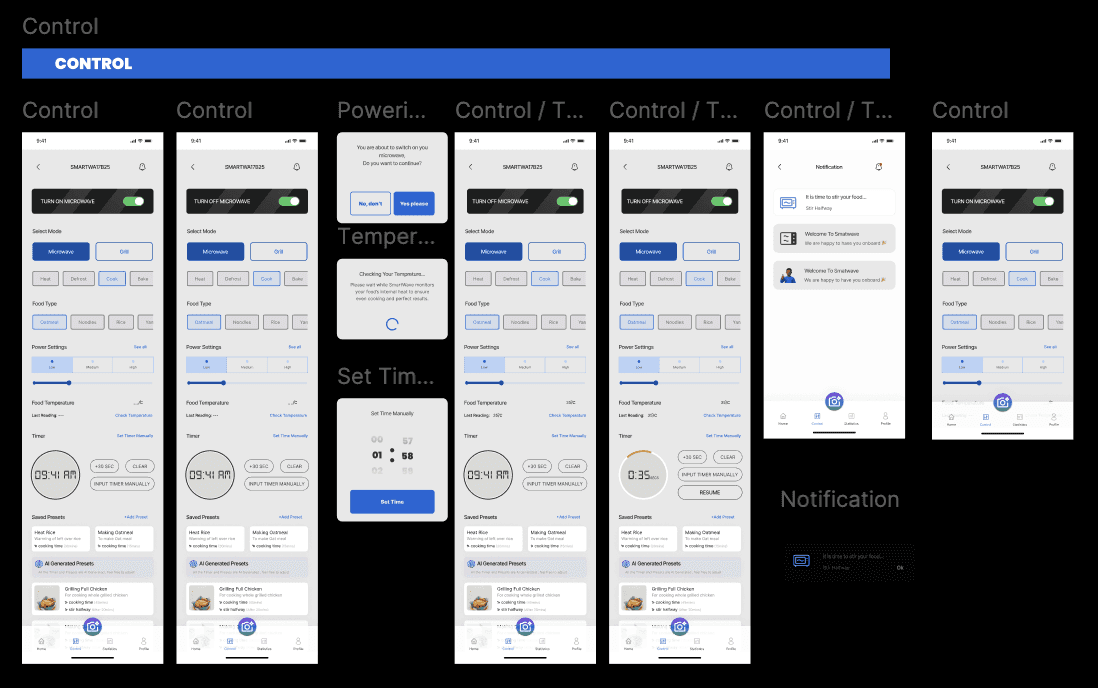
And at the heart of it all lies one hero feature: the Control Page.
Hero Feature – The Control Page
If SmartWave had one feature to steal the spotlight, it would be the Control Page.
This is where the magic happens. From a single screen, Adaobi can:
Switch between modes—microwave, grill, defrost, boil, or reheat.
Set the timer and fine-tune the temperature with precision.
Pick from quick actions for those late-night “just heat it fast” moments.
Apply AI-powered presets that recommend the best settings for her meal.
The control page simplifies what used to be a guessing game. Instead of juggling buttons and hoping for the best, Adaobi has a clear, intuitive interface that empowers her to get it right the first time.
No more soggy leftovers. No more dry, overcooked chicken. Just food that’s ready when she is—cooked exactly how she wants it.
Safety Considerations
When designing SmartWave, I knew one thing was non-negotiable: safety first. After all, a microwave is not just another gadget—it’s a heat-powered appliance that could cause real harm if misused.
To protect users like Adaobi, I built in multiple safeguards:
Confirmation Prompts: If Adaobi tries to switch on her microwave remotely, a confirmation message appears: “You’re about to start the microwave. Do you want to proceed?” This extra step prevents accidental activation.
Overheating Alerts: SmartWave monitors food temperature and notifies her if things are getting too hot, reducing the risk of accidents or burnt meals.


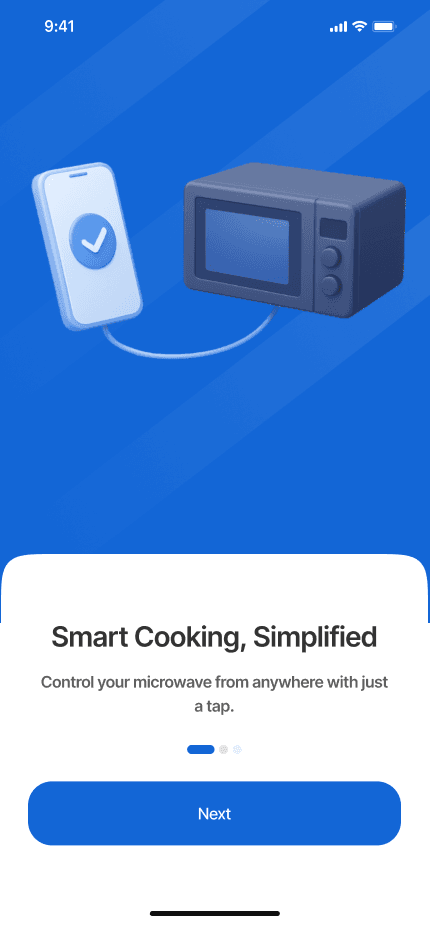
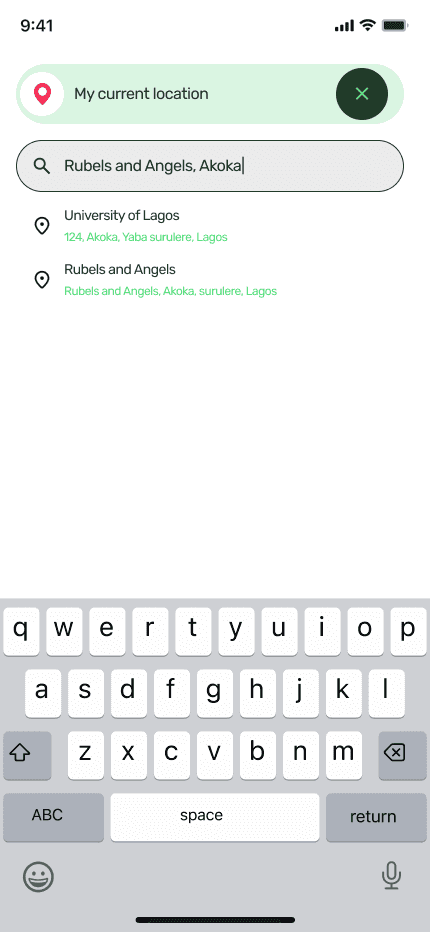


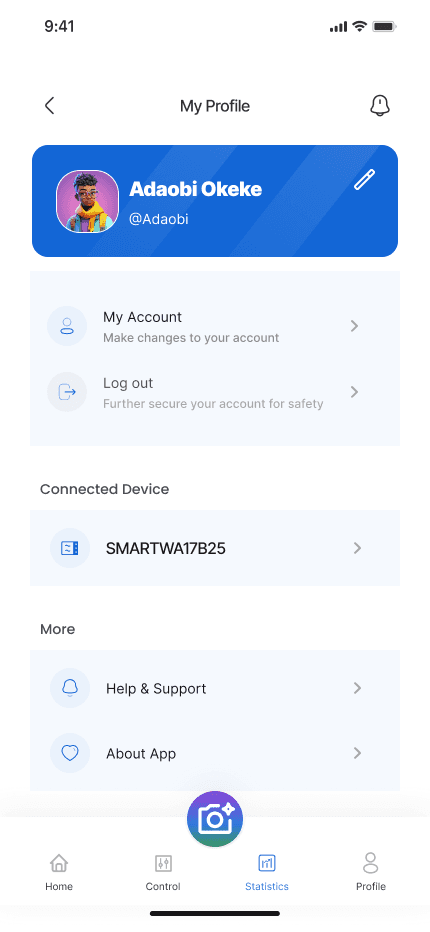

This project came with its own hurdles. It was framed as a 5-day sprint, but I fell ill during the first few days. Between hospital visits and recovery, I only had about two active days to design. That meant working under tight time pressure, making trade-offs, and iterating fast.
Because of this, I couldn’t fully implement some of the ideas I envisioned—like richer AI features that would allow users to chat with the app or receive dynamic cooking guidance. Those remain exciting directions for the future.
Still, the sprint was a huge learning moment. I learned the importance of:
Structured design thinking—researching, defining, ideating, designing, and testing in quick succession.
Iterating quickly—revisiting both the homepage and control page to refine usability.
Prioritizing clarity—because in a product like this, confusion isn’t just inconvenient, it can be unsafe.